Presenting Social Media Reports to Clients: A 15-Minute Meeting Format
Presenting social media reports to clients: use a 15-minute agenda to explain results, agree on next steps, and leave with clear owners.
By Notion SMM Portal by Cosmo Suite · Editorial policy
Published · 8 min read

A report can be accurate and still leave the client unsure what to do next. That can happen when the meeting follows the chart order instead of addressing the client's main question: what should change after reviewing these results?
Presenting social media reports to clients works better when you treat the meeting as a short decision session. Start with the goal, explain one or two meaningful results, say what the evidence can and cannot tell you, then agree on the next action. The agenda below is a 15-minute example for a focused monthly check-in. Expand it when the work needs a longer review.
If you are still assembling the document itself, first use this guide to build a monthly social media report for clients. This article is about what to say when you present that report.
Key Takeaways
- Start with the goal and reporting period the client agreed to review.
- Explain a result with evidence, context, and a next question.
- Leave with a decision, an owner, and a date for the next check.
How Do You Present a Social Media Report to a Client?
Open by restating the client’s goal and the period the report covers. Then connect the result to that goal, explain the evidence, and ask for a decision about what happens next. Keep the meeting on interpretation and action; let the client read supporting detail in the report.
A report presentation is a conversation about what the report means and what the client should decide. It gives the client time to ask about the result and choose what to do with it.
Before the call, write a one-sentence summary in this form:
We set out to [goal]; the report shows [result]; next we recommend [action] because [evidence].
Use plain language and fill each bracket with something the report supports. If the data only shows a change in reach or interaction, do not say that it caused more sales. If the client’s business outcome was not tracked, say so and agree on how to measure it next time.
State the point before showing supporting numbers. The client then has a clear question to keep in mind while you look at the dashboard together.
Start With the Goal and the Main Result
Put the agreed goal beside the result before you explain individual metrics. A client who asked for more profile visits needs a different conversation from one who wanted qualified enquiries or stronger community participation.
A reporting period is the date range covered by the data. Name it before comparing results, and keep the source next to each platform measure so the client can check what the number includes.
Use a simple sequence:
- Name the goal: repeat the outcome the client agreed to focus on.
- State the result: give the measured change and the exact period.
- Add context: compare it with the agreed baseline or prior period, and name any major change in posting, budget, or tracking.
- Explain the implication: say what the result suggests for the goal, without claiming more than the data shows.
- Ask for a decision: confirm whether to keep the current approach, test a change, or gather better evidence.
This keeps the report from turning into a list of platform totals. The client can see why each number is in the discussion and what choice it informs.
When the report covers several networks, keep each platform’s source and definition attached to its data. TikTok Business Suite provides its own reporting view, and Pinterest lists the measures available in Pinterest Analytics. Check the current first-party guidance before comparing platform numbers as if they were defined in the same way. See TikTok Business Suite and Pinterest Analytics.

A 15-Minute Social Media Report Meeting Agenda
A short meeting needs an order and a stopping point. This sample agenda reserves time for the decision, not only the presentation. The minute marks are a planning guide; move them around if the client has a question that needs more discussion.
| Time | What to cover | What you need before moving on |
|---|---|---|
| 0–2 minutes | Restate the goal and reporting period | Client agrees the goal is still the right one |
| 2–6 minutes | Show the result and the evidence behind it | One shared reading of what changed |
| 6–9 minutes | Explain the strongest learning and any limits | Known facts separated from possible causes |
| 9–13 minutes | Recommend a next action or test | Client chooses, adjusts, or asks for another option |
| 13–15 minutes | Repeat decisions, owners, and dates | A written action list everyone can find |
Send the report before the meeting if the client needs time to read it. Put the goal, period, summary, and one question at the top. During the call, share the relevant section when a detail matters, then return to the decision you are trying to make.
If the client asks about another metric, answer it and note whether it changes the recommendation. If it does not, add the question to follow-up rather than letting the agenda disappear into a dashboard tour.
How Do You Explain a Metric That Moved?
Describe a change with three parts: what the number shows, what might explain it, and what you can check next. Keep the explanation careful when several causes could produce the same result.
A platform metric is a measure defined by a particular network and reporting view. LinkedIn notes that some Page figures are estimates, while YouTube Analytics separates channel and video reporting views. Check those definitions before using a result to support a recommendation. See LinkedIn Page content analytics, the LinkedIn Page admin dashboard, and YouTube Analytics.
For example, if a post received more saves than the client’s recent posts, you can say that the posts with practical reference value may be worth examining. Then compare the topics, format, and audience response before recommending more of them. The report alone does not prove which feature caused the difference.
Use a small evidence note next to the metric:
| Field | What to record |
|---|---|
| Observation | The measured change and the date range |
| Context | What else changed, and what stayed comparable |
| Interpretation | The most plausible reading, labelled as a finding or a hypothesis |
| Next check | The evidence that would support or weaken that interpretation |
This format makes uncertainty visible without making the whole report vague. If tracking was incomplete, the account changed, or the platform’s reporting view changed, record that limitation before you compare periods. Use the platform’s current documentation to check what its measures include before discussing a change with the client.

What If the Results Missed the Client’s Goal?
Show the gap plainly and explain what is known before offering a fix. A disappointing result is easier to discuss when the client can distinguish the measured outcome from your explanation of it.
Use this order:
- Restate the goal and the period you agreed to measure.
- Show the result from the same reporting source and note any missing data.
- Say what changed in the work or the wider context during the period.
- Separate a supported finding from an untested explanation.
- Offer a specific next step, with the evidence you will review afterward.
Avoid blaming an audience, an algorithm, or the client’s approval timing unless you have evidence for that cause. If you cannot tell why performance changed, say what you would test or measure next. A clear unknown is more useful than a confident guess.
The next step should fit the evidence. It might be to repeat a format that performed well against the stated goal, change the call to action, or set up tracking that connects social activity to the business outcome. Write down which option the client chose and what would count as a useful result.
For a wider first-month view of the client’s channels and existing content, see the social media audit checklist for a new client. That audit is a separate task from explaining this month’s report.
Close With Decisions, Owners, and Dates
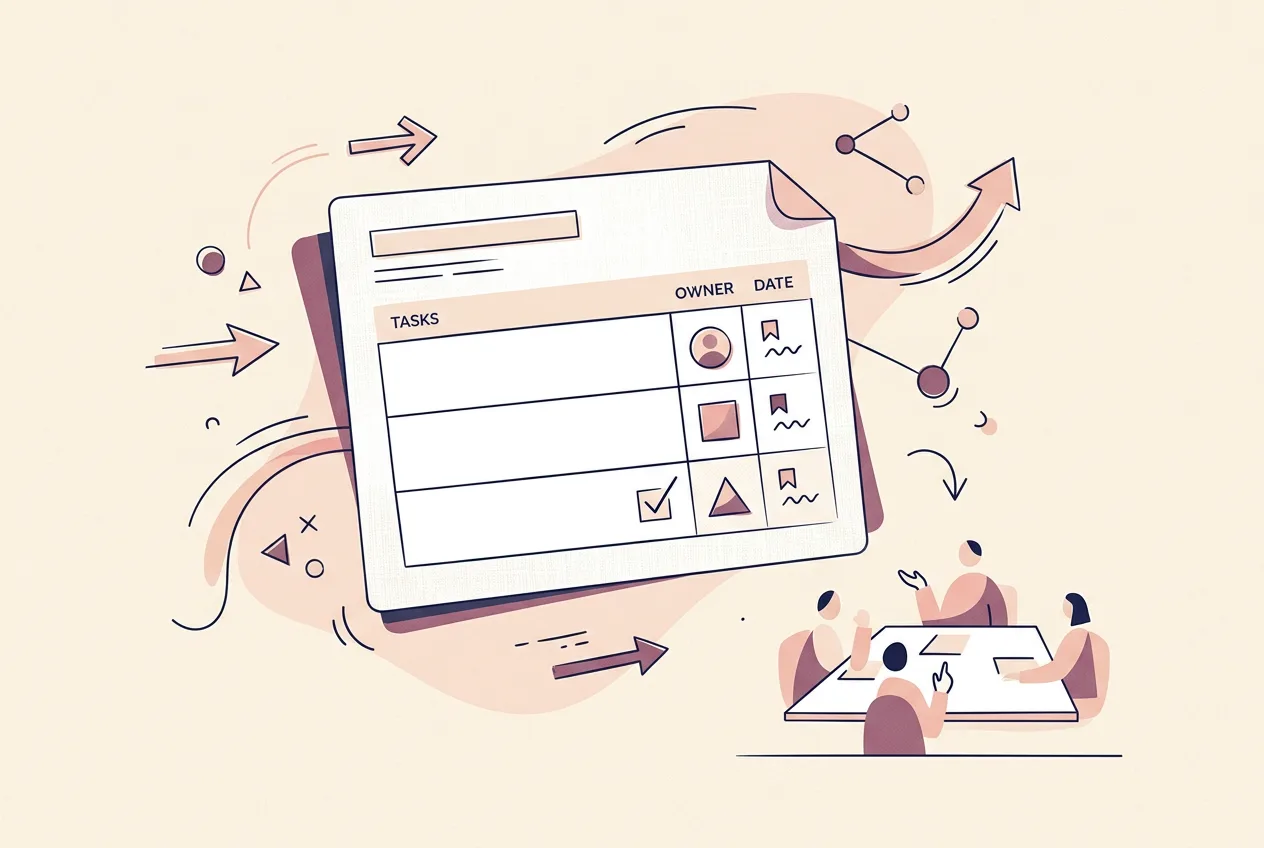
End by reading back every decision and naming the person responsible for the next action. A useful meeting note says what will happen, who will do it, and when you will review the result.
A decision note is the written record of the choice, owner, and next check agreed in the meeting. Keep it short enough to scan before the next report discussion.
Use this copyable closeout:
| Decision or action | Owner | Due date or review point | Evidence to bring back |
|---|---|---|---|
| The content or measurement change agreed in the meeting | Name the person doing it | The date both people agreed on | The metric or observation that will answer the question |
| Any client input still needed | Client or manager | Agreed response date | The approval, asset, or information required |
| The next report discussion | Manager and client | Next check-in date | The result and the decision it informs |
Send the notes in the place the client already uses for the project. Keep the action list beside the report or meeting record, so neither person has to search a chat thread to remember what was agreed. If the client changes an action later, update the record and tell the other person where it changed.
How Does Notion SMM Portal Fit This Process?
Notion SMM Portal includes Analytics, Meeting, and client onboarding pages, along with monthly report and audit templates. Those pieces can give a social media manager a place to keep a report discussion and its follow-up beside the wider client workspace.
The template does not decide which metric matters to a client or explain why a result changed. You still choose the goal, verify the numbers in each platform, and agree on the next action with the client. If you want a ready-made workspace for social media client reporting and follow-up, review how its reporting and meeting pages fit the process you already use.
If your notes and report live in separate places, Notion SMM Portal can put the report-related pages in one client portal alongside onboarding, resources, and content work. Choose the structure that suits the client; do not promise an access setting until you have checked the current sharing configuration.
Why Trust This Article?
This article is from the Cosmo Suite team, which built Notion SMM Portal. Product details come from the template’s 13-page contents list. The meeting agenda and interpretation examples are practical guidance, not performance benchmarks. Platform-specific metric details should be checked in the linked documentation for the account and reporting period you use. Read the about us page, the editorial policy, or contact the team to report a factual error.
Frequently asked questions
How do you present a social media report to a client?
Start with the goal the client chose, explain the result in context, discuss what the team learned, and finish by agreeing on the next action, owner, and date. Keep the meeting focused on decisions instead of reading every metric aloud.
What should you say in a social media report meeting?
Explain what happened, why it matters to the client’s goal, what evidence supports that reading, and what you recommend doing next. Separate confirmed results from possible explanations.
How long should a social media report presentation take?
There is no universal length. A 15-minute agenda can work for a focused monthly check-in when the report is prepared in advance and the client has a small number of decisions to make. Use more time for a campaign review or a larger strategy discussion.
What should you do if the client’s social media results missed the goal?
Show the agreed goal, the measured result, and any limits in the data. Explain what you know, label what is still a hypothesis, then propose one next step the client can approve or revise.
