Social Media Audit for a New Client: A First-Month Checklist
Social media audit for a new client: check account access, review recent posts, record a useful baseline, and agree on one next step with the client.
By Notion SMM Portal by Cosmo Suite · Editorial policy
Published · 10 min read

A social media audit for a new client starts with the account’s history and the client’s goal. Before you recommend a new format or promise a posting cadence, check what is already there, who controls each account, and what the client wants social media to do.
A social media audit is a review of an account’s setup, content, available performance data, and next steps. For a new client, use it to establish a shared baseline before you recommend changes. Agree on what you can measure now and what still needs the client’s context or account access. That gives the next report a starting point for comparison.
Social Media Audit for a New Client at a Glance
Start with the client’s goal, then check the accounts and evidence that can affect it.
| Audit area | Check | Record | Decision it supports |
|---|---|---|---|
| Goal and audience | What should social media help the business do? | Client’s stated goal and audience | Which accounts and measures matter |
| Account setup | Are these the right profiles, owners, and links? | Profile URL, owner, access status, visible details | What needs confirmation or access |
| Content sample | What has the account published recently? | Sample dates, formats, themes, calls to action | What to continue, clarify, or test |
| Performance | What does the platform report for the agreed period? | Metric name, definition, date range, source | What can serve as a baseline |
| Next action | What is the smallest useful change to review? | Owner, action, review date | What you will check next month |
Keep the original dates and the source beside each number. A figure without a date range or metric definition is hard to compare later. If you need a client workspace to keep onboarding information and the audit beside the content plan, Notion SMM Portal includes an Analytics page with an audit and monthly report template.
What Should a Social Media Audit Include?
A useful social media audit covers the account’s purpose, access, profile, content, audience response, available analytics, and the route to the client’s intended action. It should also state what you could not verify.
Before opening the profile, ask the client what outcome matters during this engagement. The answer might be inquiries, event registrations, product discovery, community participation, or another agreed goal. Write down the client’s wording and clarify which activity is in scope. A follower count alone does not explain whether an account is helping with that outcome.
Next, list every account the client expects you to review. Confirm the platform, profile link, account owner, and whether the client has given you the access needed for the work. Keep access questions separate from content findings. Do not request a client’s password in a chat or store it in the audit. Ask the client to use the platform’s current access process and grant only the role needed for your work.
For each profile, check the visible details: account name, handle, profile image, bio, location or service area where relevant, contact method, destination link, and pinned content. Compare these with the client’s current offer and onboarding answers. If something conflicts, note the mismatch and ask the client which information is current before editing it.
Then review recent posts as a defined sample. You might start with the latest twelve posts if that gives a useful view of the account’s current mix. Record the actual start and end dates rather than treating the sample as a standard. For each post, note its format, topic, intended audience, call to action, and any available response. If the sample contains only one format or covers an unusual period, explain that limit.

How Do You Audit a Client’s Social Media Account?
Use a repeatable sequence so each client audit captures the same kinds of evidence while leaving room for the client’s goals and platforms.
- Collect the brief. Ask what the client wants social media to support, which audience matters, what has changed recently, and which accounts are in scope. Use your social media client onboarding checklist to gather the background before the review.
- Confirm the account list. Open each supplied profile link and verify that it belongs to the client. Record missing accounts, duplicate profiles, inactive profiles, and any name or link mismatch as observations. Do not merge, rename, or remove an account during the audit without the client’s direction.
- Check access with the client. Note which analytics and settings you can see. Keep the client as the account owner and use the platform’s access controls for delegated work. Never treat public posts as proof of private analytics, ad results, or account permissions.
- Choose a sample window. Set the dates for the content review and analytics pull. Use the same period when you make a later comparison, unless you clearly explain why the period changed.
- Review the profile and content. Check whether the visible profile matches the brief. Review the selected posts for topic, format, audience fit, response, and next action. Save the post links or identifiers so the client can find the evidence.
- Record what you can verify. For every finding, write down the evidence source and date. Use a separate note for client context that you have not confirmed yet.
- Agree on a next step. Choose a small number of changes or tests that connect to the goal. Name who owns each action and when you will check it again.
The sequence keeps the conversation tied to evidence. A note that says a profile feels off is hard to act on. A specific mismatch, such as a profile link that opens an old booking page while the onboarding brief names a new form, gives the client something concrete to confirm.
How Should You Review Access and Account Ownership?
An audit can only verify the parts of an account that the client has made available to you. Separate visible checks from checks that need account access, and list any access gap before interpreting performance.
Create one row per account with the profile link, client-side owner, access requested, access received, and information you can see. This prevents a public profile review from being mistaken for an analytics review. If a client has several brands or locations, confirm which one is connected to each platform before you compare results.
Have the client invite you through the platform’s role system and grant only the access your work needs. Confirm that the account opens correctly. Keep passwords, recovery codes, and one-time codes out of the audit and shared chat.
If access isn’t ready, continue with the public checks and label the rest “waiting for client access.” Do not estimate reach, audience details, or paid campaign performance from public posts. You can still prepare the audit structure, but mark conclusions that depend on private data as pending.

A page owner may also share the audit with a client in a workspace such as Notion. Check the page-level sharing settings before sending the link, and test the client’s intended view. Notion’s sharing and permissions guide describes its current access options. A social account’s permissions and a Notion page’s sharing settings are separate checks.
How Do You Set a Baseline for a New Client?
Choose a small set of platform measures that connect to the client’s stated goal, and save each measure with its date range and source. The baseline describes what the account reported during that period; it does not by itself explain why the number changed.
Use platform documentation to interpret each measure. LinkedIn’s Page analytics guide defines impressions as how often a post is shown and members reached as distinct members and Pages, excluding repeat displays. It also calls both measures estimates, so preserve the platform’s labels and note the date range. TikTok’s Web Business Suite guide lists the analytics areas and reporting periods available to Business Accounts. Check the client’s current interface because measures can vary by account or change over time.
| Goal | Possible signal to record | Context to keep with it |
|---|---|---|
| Be discovered | Reach, impressions, or video views | Platform definition and date range |
| Encourage a response | Comments, shares, saves, or other interactions available | Content format and sample dates |
| Bring people to a destination | Profile activity or link clicks, where reported | Destination URL and intended action |
| Support a business outcome | Inquiries, registrations, or sales reported by the client | Attribution method and reporting source |
Use the metric that the relevant platform actually reports. Do not relabel “views” as “reach,” compare different definitions as if they were the same, or add figures from different platforms into one total unless the client understands what that total means. Keep paid and organic data separate when the platform reports them separately.
Record the first period you can verify, even if the data is incomplete. If access starts halfway through a month, say so. If a platform does not expose a useful measure, write “not available in this review” and use a different observable signal only when it fits the goal.

What Should You Do With the Audit Findings?
Turn each observation into a decision, a question, or a test. A short finding is more useful when the client can see what supports it and what should happen next.
UNIQUE INSIGHT: An audit evidence ledger ties each finding to its source, confidence, and next action. Use three evidence labels in your working sheet:
- Verified: you checked the item in the platform, profile, or client-provided source. Include the link or location and the date you checked it.
- Ask: the item depends on client context you do not have yet, such as an offer change or a new audience priority. Write the question in plain language.
- Test: you have a reasonable idea to try, but the audit does not prove that it will work. State the change and the signal you will review.
For example, if the onboarding brief says the account should drive bookings but the visible profile link opens a general home page, mark the mismatch as verified. Ask which booking destination is current. After the client confirms it, test the approved destination and track the agreed link or inquiry signal. This keeps one observation from turning into an unsupported claim about why the account is underperforming.
Present findings in a compact order: the client’s goal, what you reviewed, what the evidence shows, what still needs a client answer, and the next action. Put the source beside each item. Avoid ranking every post or making broad claims from a small sample. If you review only one platform or a limited date range, say that near the findings.
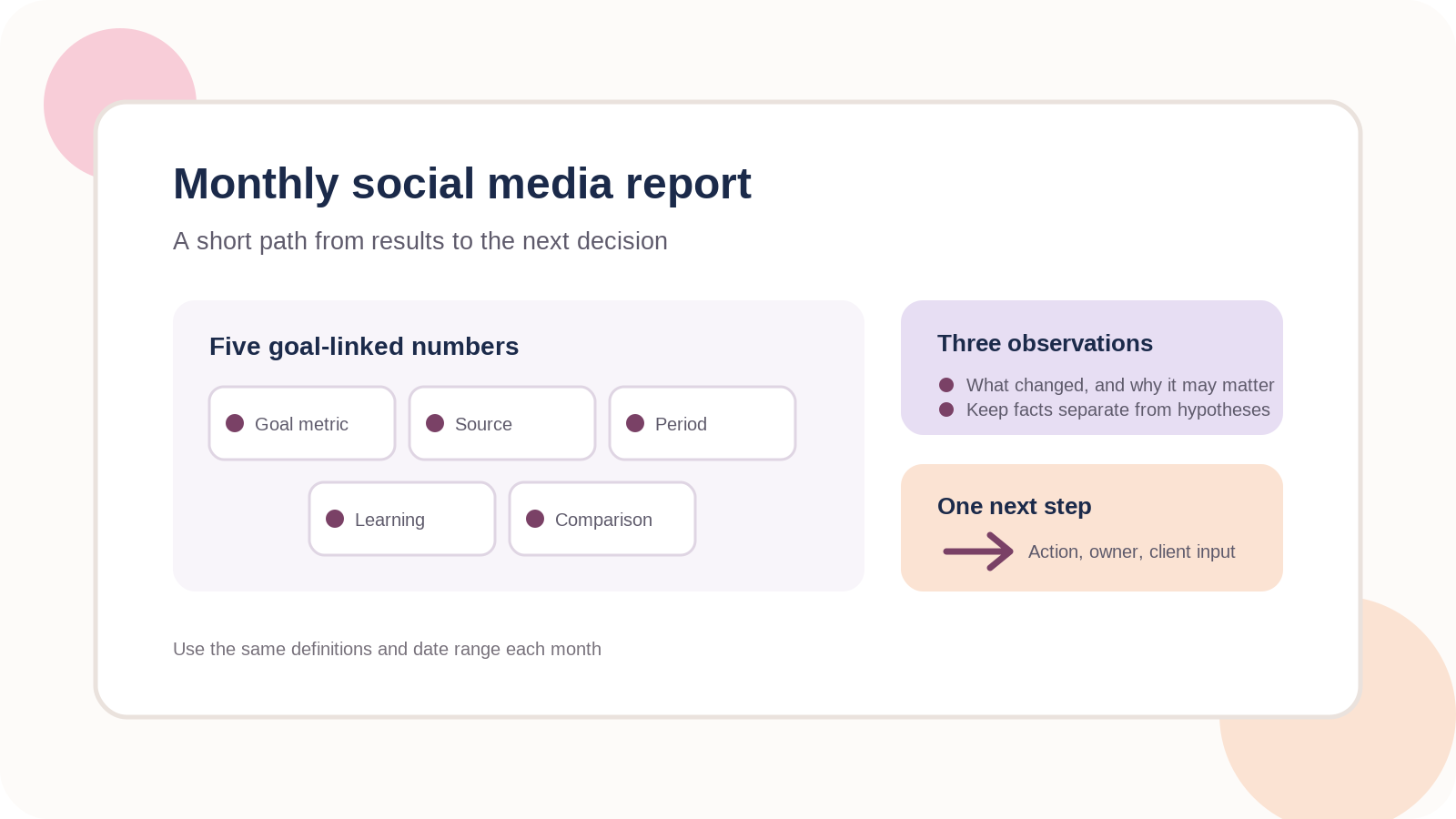
Your audit can feed the next monthly report. Keep the baseline date, measure definition, sample window, and planned test together so you can compare like with like. The guide to what to put in a monthly social media report for clients shows how to carry the agreed measures into a recurring client update.
What Actually Makes a First-Month Audit Useful?
The audit becomes useful when every finding has a status and a next move. A profile observation, a private analytics figure, a client explanation, and a proposed experiment are different kinds of evidence, so label them before you recommend a change.
Many audit checklists combine facts and opinions in one column. That can make an assumption look confirmed. The “verified, ask, test” labels give the manager and client a quick way to see what is known, what needs context, and what will be evaluated. They also make the follow-up easier: move a question to verified when the client answers it, and revisit a test after the agreed period.
Keep the sample itself visible. Include the profile links, dates reviewed, selected post links, metric names, and source locations. A future reviewer can then understand why you recommended a change and whether the comparison still uses the same period. This record is more useful than a polished score with no evidence attached.
Avoid promising a result from the audit. The first review describes the starting point and identifies a test. The next report can show what changed in the available data, while noting other factors that may have affected it.
How Notion SMM Portal Fits a Client Audit
Notion SMM Portal is a Notion template for social media managers. Its documented Analytics page includes an audit template with key metrics, top content, next goals, and competitor notes, plus a monthly report template. The manager supplies the account information and fills in the findings.
The template also includes Client Onboarding, Content Production, Master Content, Strategy, Resources, and other client-work pages. You can keep the audit and recurring report beside the client workflow, then use the content pages to organize planned posts and review status. The template does not connect to social accounts or collect analytics automatically.
If you need a shared place for the account list, audit notes, and content workflow, Notion SMM Portal’s client workspace template provides those documented pages. For the broader setup, read the social media client portal guide and keep the client’s own access settings separate from the workspace’s sharing settings.
Why Trust This Article?
This guide uses platform documentation for the linked reporting details and the product’s documented contents list for Notion SMM Portal features. The audit sequence and “verified, ask, test” labels are a working method, not a measured industry standard. We checked the linked pages on 6 November 2026. Platform interfaces and metric names can change, so confirm the current account view before comparing results.
The examples are conditional illustrations, not client results. Product details come from the template’s documented 13-page contents. See the about page for publisher information and the editorial policy for how this site checks its articles.
Frequently asked questions
What should a social media audit for a new client include?
Start with the client’s goals and account ownership. Then check profile details, recent posts, audience responses, the analytics you can access, and the route from a post to the intended action. Note where each finding came from and finish with a few decisions or tests.
When should I audit a new social media client?
Run the audit during onboarding, before you plan new work. In the first month, confirm access, learn the account’s reporting periods, and save a baseline for later comparison.
How many posts should I review in a social media audit?
Pick a sample that matches the account’s posting pace and write down the dates. You could use the latest twelve posts, but a quieter account or one with several formats may call for a different sample. Treat it as a review set, not a benchmark.
What metrics should I include in a social media audit?
Choose measures that fit the client’s goal and that the account reports. Depending on the platform, you might note reach, impressions, interactions, profile activity, link clicks, video views, or leads. Keep the platform’s definitions, and separate paid from organic results when they are reported separately.
Can I audit an account before the client gives me access?
You can review public profile details and visible posts, but private analytics and account settings need account access. Mark anything you cannot verify yet, then ask the client for the access needed before you draw conclusions.
How do I present audit findings to a new client?
Show what you checked, what it may mean for the agreed goal, and what should happen next. Keep confirmed facts, open questions, and proposed tests separate so the client can see what the audit does and does not tell you.
Does Notion SMM Portal include a social media audit template?
Yes. The Analytics page in Notion SMM Portal has an audit template for key metrics, top content, next goals, and competitor notes. The manager fills it in with information from the client’s accounts.