Social Media Client Onboarding Questionnaire: 25 Questions
Use this social media client onboarding questionnaire to collect goals, audience, brand voice, platforms, approvals, and next steps before drafting.
By Notion SMM Portal by Cosmo Suite · Editorial policy
Published · 8 min read
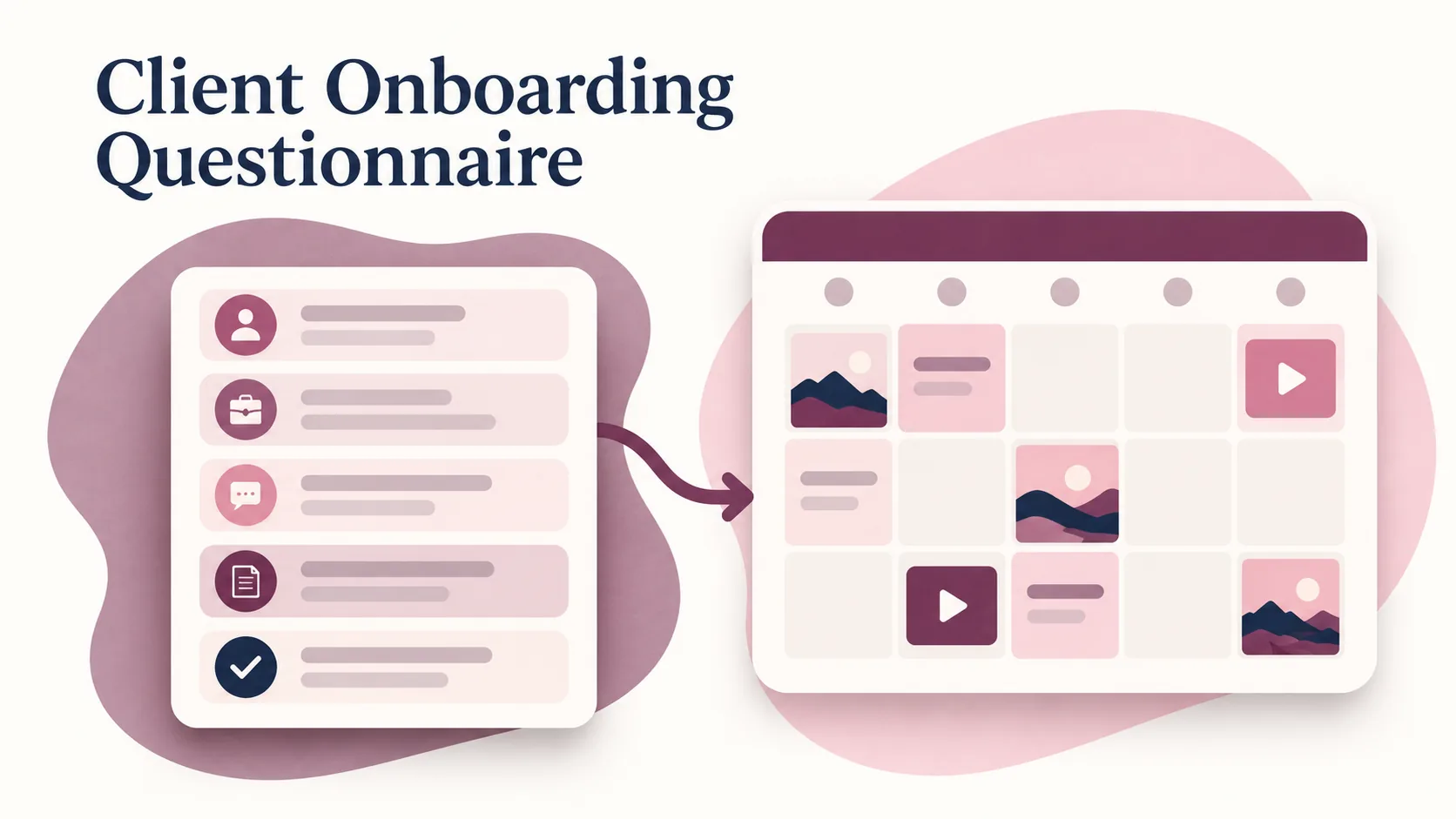
A social media client onboarding questionnaire is a set of prompts that collects the details and decisions a manager needs before planning content. This one gives you 25 questions in five groups, with a note about what each answer helps you decide.
You do not need to send every question to every client. Remove prompts that do not fit the agreed scope, pre-fill facts the client already gave you, and let them mark uncertain answers for the kickoff call. Use only the prompts that give you information for the agreed work. A social media client workspace for intake, content, and approvals can keep those decisions near the work they guide.
Key Takeaways: Ask about the business, audience, voice, platforms, access, approvals, and reporting. Keep each answer tied to a decision, an owner, or a follow-up.
The 25 questions to ask a new social media client
Use the questions below as a starting point. Ask for a short answer, a link, or a choice where possible. The “capture” column names the useful detail; the final column shows what you can do with it.
1. Business and goals
| Question to ask | Capture | Use the answer to decide |
|---|---|---|
| 1. What does the business sell or do? | Main offer and service area | Which products or services belong in the first content plan |
| 2. What should social media help the business achieve? | One primary goal in the client's words | What the content should support |
| 3. What action should an interested person take next? | Desired next step, such as visiting a page or asking for details | Which calls to action are relevant |
| 4. Is there a product, service, or event that needs attention first? | Priority and any known date | What to schedule first and what can wait |
| 5. What would make the first month feel on track? | A clear sign the client can observe | What to review together at the first check-in |
2. Audience and offer
| Question to ask | Capture | Use the answer to decide |
|---|---|---|
| 6. Who is the main audience for this work? | Role, need, location, or other useful description | Who each post is meant to help |
| 7. What does that audience ask before buying or booking? | Common questions, in the client's own words | Which questions a post can answer |
| 8. What usually makes someone choose this business? | Difference the client can support with examples | Which offer details to explain |
| 9. Which products, services, or claims should we not feature? | Exclusions and the reason, if the client can share it | What to leave out or confirm before drafting |
| 10. Are there important dates, seasonal moments, or launches to plan around? | Date, location, and owner of the details | When a post needs a draft or approval |
3. Voice and content
| Question to ask | Capture | Use the answer to decide |
|---|---|---|
| 11. What three words should describe the brand's voice? | A few traits with an example for each | How captions should sound |
| 12. What words, topics, or jokes should we avoid? | Specific do-not-use notes | Which drafts need extra review |
| 13. Which existing posts or brands feel right to you, and why? | Links plus the specific quality they like | What to borrow as a direction, not copy |
| 14. What photos, videos, product details, or brand files can you provide? | Asset link, file owner, and any usage notes | What content can be planned with available material |
| 15. Which topics or recurring themes matter to the business? | Topics, products, people, or moments | What themes can recur in the calendar |
4. Platforms and access
| Question to ask | Capture | Use the answer to decide |
|---|---|---|
| 16. Which social accounts are in scope? | Platform and exact account handle or page name | Which accounts belong in the workflow |
| 17. What work should happen on each account? | Tasks such as drafting, publishing, moderation, or reporting | What access level to request |
| 18. Who can approve an access invitation for each account? | Name or role of the person who controls access | Whom to contact when access is pending |
| 19. Has the client already granted access to a scheduler or shared folder? | Tool or folder and current owner | What is available and what still needs setup |
| 20. Are there account restrictions or open access issues we should know about? | Issue, platform, and a person who can clarify it | What to resolve before content is assigned |
For platform access, ask the client to invite you through the platform's supported roles or partner tools where available. For example, Meta Business Portfolio partner access, TikTok Business Center partner permissions, and LinkedIn Business Manager partnerships each let an administrator share selected assets or access. The available roles differ by platform. Record who will send the invitation and whether it is complete; do not put account passwords in an intake form. For a step-by-step access checklist, see how to collect social media account access from a new client.

5. Approvals and reporting
| Question to ask | Capture | Use the answer to decide |
|---|---|---|
| 21. Who gives the final approval for content? | One primary approver and a backup if there is one | Whose decision moves a post forward |
| 22. How should we send drafts for review? | The agreed place or channel | Where feedback and approval should be recorded |
| 23. What should happen when an approver requests a change? | How to note the requested edit and who resolves conflicting feedback | How to handle revisions before the next version |
| 24. What should the report help you decide? | Questions the client wants answered | Which results and context to include |
| 25. Who should receive the report, and when should we review it? | Recipients, cadence, and meeting owner | Who gets the report and when to discuss next steps |
If the client needs help defining an approval flow, agree on the approver, review location, and way to record a requested change before the first draft is sent.
Which questions should you send before kickoff?
Send the questions that affect the work already in scope. Most clients can answer the business, audience, voice, and platform basics before a call. Leave strategy trade-offs, unclear ownership, and open access issues for a conversation if a written answer would be hard to give.
Keep the form easy to complete. Use short answer fields for context, choices for known options, and a place to paste links. If a detail was already shared during sales, pre-fill it and ask the client to confirm or correct it. That avoids making them repeat the same background.
You can split the form into five sections so a client can stop and return without losing the distinction between strategy, content, and logistics. Mark optional prompts clearly. A social media manager client onboarding checklist can help you track what comes after the form, such as access, assets, kickoff, and the first content batch.
How should you send the questionnaire?
Send one form or shared document with a due date tied to kickoff. Tell the client which questions are required to begin and which they can leave open. Do not frame every blank as a blocker; a missing answer may simply need a discussion.
Before you send it, check that the form asks for information you will use. If the question does not change a content decision, a handoff, access request, or report, remove it. Ask one thing at a time. “Tell me about your audience, goals, brand voice, and competitors” is hard to answer because it combines several topics. Separate those prompts into smaller fields.
When answers come back, mark each one as confirmed, needs discussion, or not applicable. Assign the follow-up to the client or to your team. If access remains open, keep the platform and invitation owner visible so content work does not depend on a password exchange.

How do you turn answers into a first content brief?
Turn each useful response into a decision the client can review. A brief can fit on one page: goal, audience, platforms, themes, content boundaries, asset sources, approval owner, reporting question, and unresolved items.
For example, imagine a local bakery says it wants more people to ask about custom cakes, names parents planning a birthday as an audience, and flags that order cut-off dates change each month. Those answers suggest a content direction: explain the custom-cake options, identify where to ask, and confirm each cut-off date before scheduling a post. This is an illustrative example, not a result from a client campaign.
Next, connect each decision to the next step. A product or event date becomes a calendar item with an owner. An unanswered access question becomes a task for the account administrator. A voice preference becomes a note for the writer. An unclear approval role becomes a kickoff question. Review the answers again when you plan the first content batch.

For ideas that need client review, use the same approval path you agreed on in the questionnaire. The social media client portal overview explains the pages a manager may keep together. A shared client workspace can hold onboarding details alongside content, approvals, reports, and other project information.
What most onboarding questionnaires leave out
A question earns its place when someone will act on the answer. Add three fields beside any response that could block the work: decision, owner, and follow-up date. Methodology: each question maps to a practical decision, and open answers get an owner and follow-up. The decision says what must be settled; the owner says who can settle it; the date gives you a time to check back.
For example, “Which platforms are in scope?” might produce “Instagram and TikTok.” That answer is not complete if no one knows who can send the access invitations. Record the account owner, the specific task requested, and whether access was granted. The details matter because platform roles and asset-sharing steps vary, as the official TikTok Business Center partner guide and LinkedIn Business Manager guide show.
Before drafting, review open items with the client. Confirm the goal, the first audience, the accounts in scope, any content limits, and the approver. Then keep the answers close to the calendar and the approval record. A workspace for social media client onboarding and content delivery is one way to keep that context near the tasks it informs.
Why Trust This Article
This guide is published by Notion SMM Portal by Cosmo Suite, a Notion workspace for social media client work. The question groups follow the work the portal covers, including onboarding, content production, approvals, reporting, and closing. The examples here are hypothetical. This article does not claim survey results or client testing. Read about the team and review the editorial policy. Contact the team to report a factual error.
Keep client intake and delivery in one workspace
If you manage several clients, keep the intake answers that affect content next to the calendar, asset notes, approval decisions, and reports they inform. The Notion SMM Portal includes pages for client onboarding, content production, master content, analytics, task tracking, meetings, and closing. Review the Notion SMM Portal for social media managers if you want those pages in one workspace.
For more context on what to include in the workspace, read the social media client portal guide. The related onboarding checklist covers the first week.
Frequently asked questions
What should a social media client onboarding questionnaire include?
Ask about the business, goals, audience, brand voice, platforms, access, content boundaries, approvals, and reporting. Each answer should inform a specific decision or follow-up.
When should I send a social media onboarding questionnaire?
Send it after the working relationship and scope are agreed, with enough time for the client to answer before kickoff. Pre-fill details they already shared and ask them to correct anything outdated.
How many questions should a social media client questionnaire have?
Use the questions that affect the work you agreed to do. This 25-question set is grouped into five sections, so you can remove sections that do not fit the engagement.
Should the client complete every question before kickoff?
No. Let the client mark a question as unknown or not applicable. Use kickoff to resolve answers that affect strategy, access, scope, or approvals.
Should a social media manager ask clients for account passwords?
Ask who can grant the access you need, then use the platform's supported partner or role-based invitation process where available. Do not collect passwords in the questionnaire.
What should I do with the answers after the client responds?
Turn them into a brief with the agreed goal, audience, platforms, content boundaries, access owner, approver, and reporting plan. List unresolved answers with an owner and follow-up date.
Sources
Keep reading
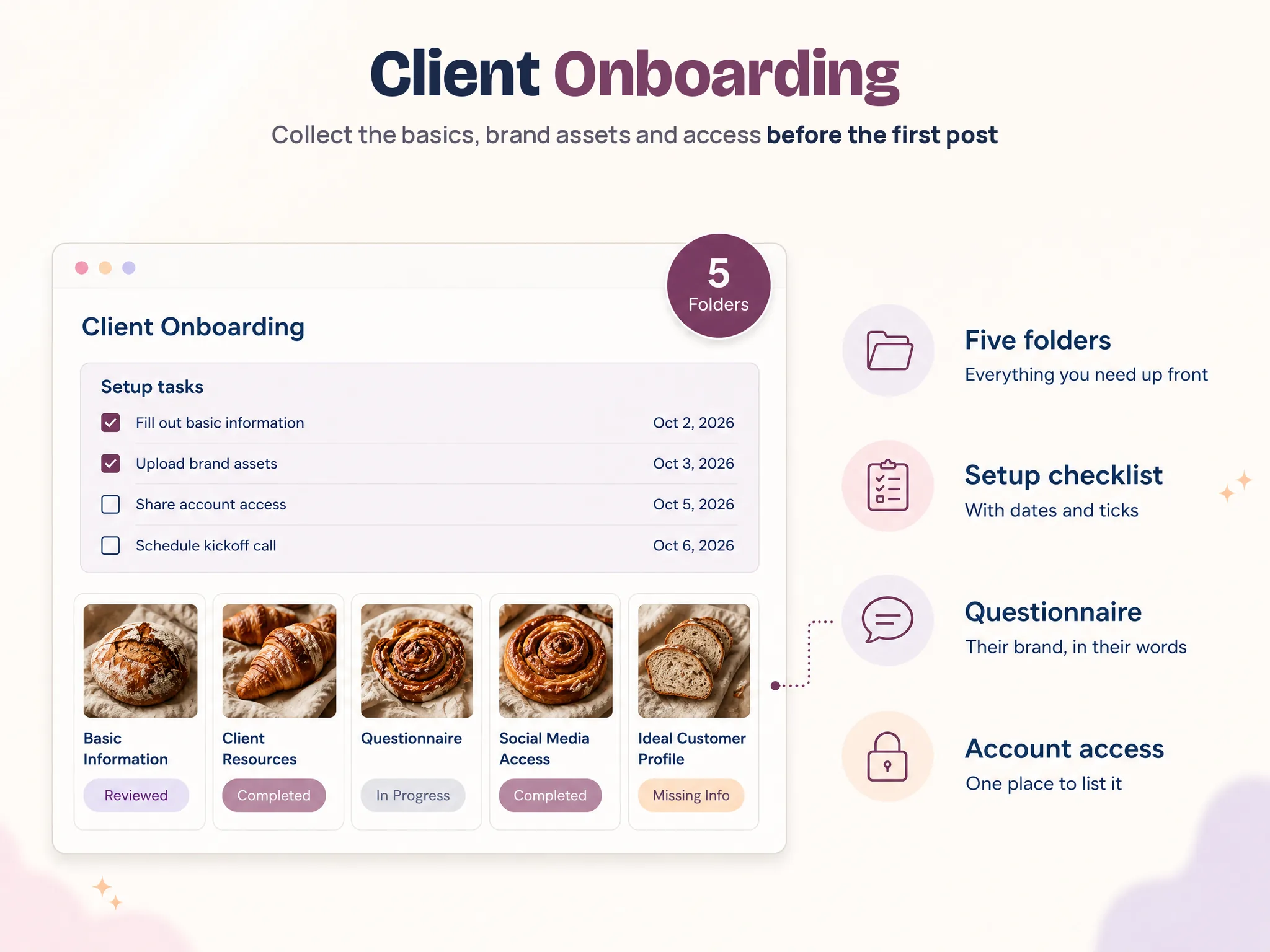
Onboarding
Social Media Manager Client Onboarding Checklist: 3 Phases
A social media manager client onboarding checklist: sort scope, access, and brand inputs, then test one post review before building your first batch.
· 9 min read

Onboarding
How to Collect Social Media Account Access from a New Client
How to collect social media account access from a new client: use platform invites, confirm the right assets, and record what each role can do.
· 8 min read

Onboarding
How Many Clients Can a Social Media Manager Handle? Work It Out From Your Own Hours
How many clients can a social media manager handle? Time the tasks inside one client's week, subtract fixed overhead, divide, and keep a buffer.
· 9 min read
